Brave Pink Hero Green Generator
Brave Pink Hero Green is the pink-and-green duotone that took over profile pictures in 2025, and this free generator recreates it in one step. Upload a photo, and the filter maps every bright area to brave pink and every shadow to hero green. No apps, no accounts, no editing skills. Type nothing, adjust nothing if you do not want to — the result is ready to download and post in seconds.
Why the Pink and Green Duotone Works
A duotone throws away the original colors of a photo and rebuilds it from exactly two. That sounds destructive, and it is — which is the whole point. Skin tones, backgrounds, clothing and lighting all collapse into one palette. Every photo processed through the Brave Pink Hero Green filter comes out looking like part of the same set.
Pink and green sit almost opposite each other on the wheel, so the contrast stays sharp under pressure — they are complementary colors in the strict sense. It survives compression, a circular crop, and shrinking to a 40-pixel avatar. That is why the look holds up where others flatten out. A photo that reads as muddy in a thumbnail still reads clearly here.
What Makes This Brave Pink Hero Green Generator Different
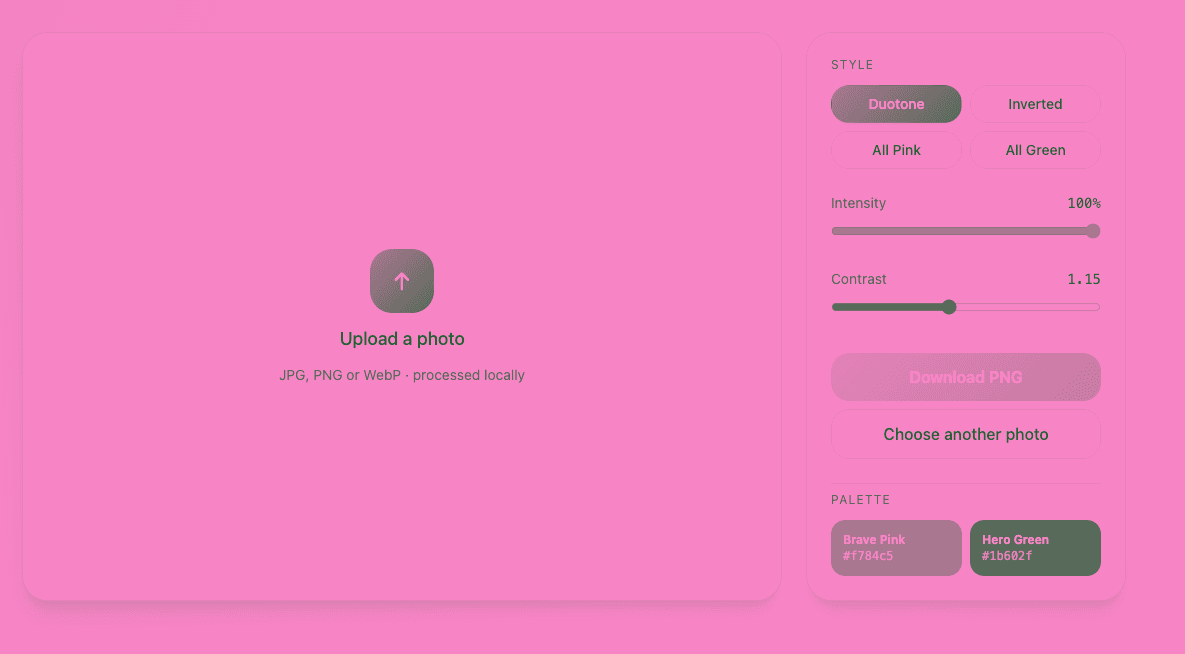
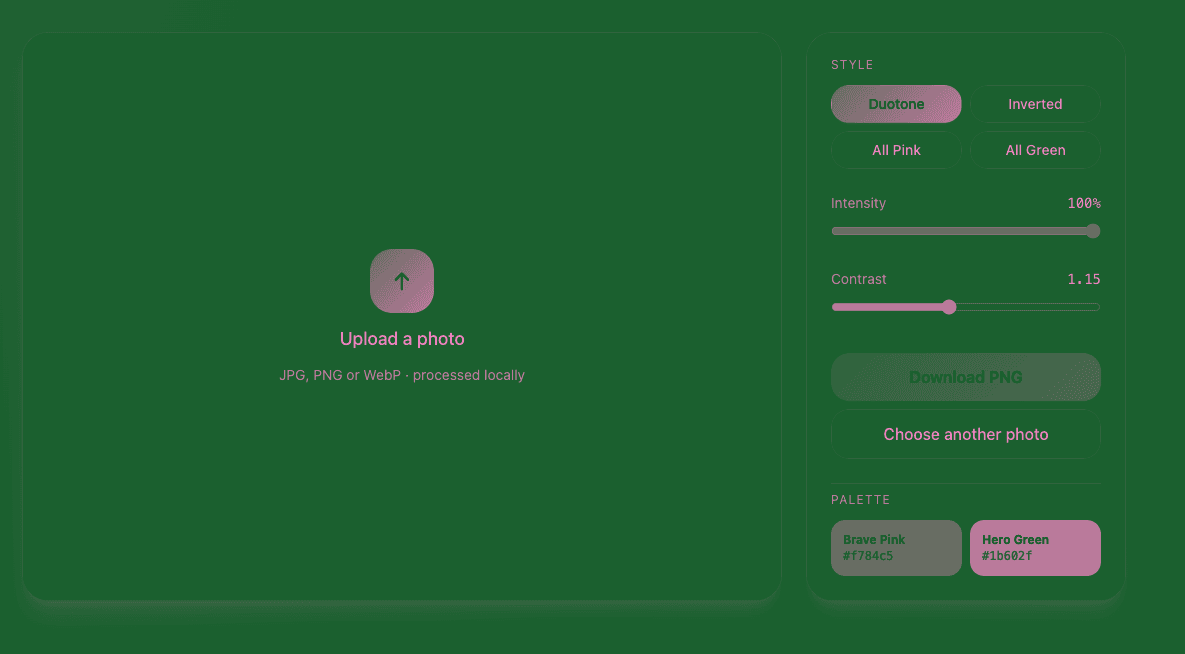
Most tools give you one fixed result and leave you with it. This brave pink hero green generator gives you three controls that actually change the outcome. Style switches between the standard duotone, an inverted version, and single-color all-pink or all-green treatments. Intensity decides how far the effect pushes away from the original photo. Contrast sets how hard the split between light and dark falls.
The inverted style matters more than it sounds. A portrait shot against a bright background looks completely different with pink shadows and green highlights than the other way around. Switching in one click rescues photos that would otherwise be too dark or too washed out to use.
All three controls work the same on a phone as on a desktop, which matters because the picture you want to filter is usually already sitting on your phone.
How to Apply the Brave Pink Hero Green Filter
Upload Your Photo
Drag a picture into the upload area or tap to pick one from your device. JPG, PNG and WebP are accepted, up to 25 MB per file. Portraits work best because the filter needs a clear subject to separate from the background, but the brave pink hero green edit handles group shots, pets and landscapes fine. Start with the original file rather than a screenshot.
Watch the Duotone Apply
The filter runs the moment your photo loads. Bright areas become brave pink, shadows become hero green, and everything between them blends across the two. There is no rendering queue and no "processing" screen — the preview is the final result at full quality.
Pick a Style and Fine-Tune
Choose between Duotone, Inverted, All Pink and All Green, then work the two sliders. Slide intensity down if you want the original photo to stay readable underneath, or push it up for the hard, flat, poster-like version of the effect. Contrast sharpens or softens the split between highlights and shadows. Try the inverted style before you settle; most photos clearly favor one direction.
Download and Post
Download the finished image as a PNG and upload it wherever you need it. Nothing is watermarked, and the export keeps your original resolution up to 16 megapixels — larger photos are scaled down proportionally so they render reliably in every browser. Use it as a profile picture, a story background, or a frame inside a longer video edit.
What Is Brave Pink Hero Green?
The Look, Described Plainly
Brave Pink Hero Green is a two-color treatment applied to an ordinary photograph. Instead of the full color range, the image is rebuilt using a bright pink for its light values and a deep forest green for its dark ones. Midtones blend between the two. The result is instantly recognizable: the subject is still perfectly legible, but the picture no longer looks photographic at all.
The name describes the palette rather than a specific app. Any tool that maps a photo onto that pink and green pair produces the same look. That is why the effect stays consistent across thousands of profile pictures made with completely different tools.
Why It Spread So Fast
Three things made this one travel further than most photo trends. It takes one step, so there is no skill barrier and no tutorial to watch. It is self-identifying — two colors are enough for someone scrolling to recognize it instantly, without a caption or a hashtag. And it works on a photo you already have, rather than requiring you to shoot something new.
That combination is rare. Most viral aesthetics need either a specific app, a specific kind of source photo, or a specific caption to read correctly. This one needs none of them, and a profile picture is the single most visible surface a person controls.
Brave Pink and Hero Green Color Codes
There is no single official color code for this palette. This generator uses the hex pair that circulates most widely across the trend:
| Color | Hex code | Role in the image |
|---|---|---|
| Brave Pink | #F784C5 | Highlights and light midtones |
| Hero Green | #1B602F | Shadows and dark midtones |
Search for the hex codes and you will find other answers. Two other combinations show up regularly. A more saturated #E44C99 with #01A923 reads brighter and more electric; a softer #D480A7 with #1E6437 sits closer to a muted vintage print. All three are genuinely in use.
Matching the filter to a banner, a graphics set, or a video overlay? Copy the hex codes above rather than picking a pink and green by eye, and push them through our color format converter if the rest of your toolchain wants RGB or HSL. Duotones fall apart when the second color is slightly off, because there is no third color in the image to absorb the mismatch.
Where People Use the Filter
Profile Pictures
This is where the effect started and where it still works best. A duotone avatar stands out in a comment thread or a follower list precisely because everything around it is full color. The tight crop of a profile picture also suits the filter, since a close subject gives the pink and green something clear to separate.
TikTok and Instagram Reels
Run a few frames or a still through the filter and cut them into a video as a title card, a beat transition, or a cold open. The colors hold up through TikTok and Instagram compression, which is more than most color grades manage. The shift from full color to duotone reads as an edit on its own, so you do not need a transition effect on top of it.
Instagram Stories and Static Posts
A duotone still makes a strong background for text because it has only two values to compete with. White or black type sits cleanly on top without an outline or a shadow. For an Instagram carousel, running every slide through the same filter is the quickest way to make unrelated photos look deliberate.
More VibeBerry Tools
If you are building a look across a whole account, the same logic applies to type. Our brat text generator produces the other color-driven aesthetic people recognize on sight. The two sit together well when you want a post to read as intentional rather than assembled. To pull an exact pink or green out of an image you already have, our eyedropper tool reads any pixel and hands back the code.
Brave Pink Hero Green Generator FAQ
What is a Brave Pink Hero Green generator?
It is a tool that converts a normal photo into a two-color image using brave pink for the light areas and hero green for the dark ones. You upload a picture and the generator handles the color mapping, so you get the trend's exact look without opening a photo editor.
What are the Brave Pink and Hero Green hex codes?
This tool uses #F784C5 for brave pink and #1B602F for hero green. Other pairs circulate — #E44C99 with #01A923 is the brighter version, #D480A7 with #1E6437 the softer one — because the palette was never formally standardized.
How do I make a Brave Pink Hero Green photo?
Upload your image to the generator above, then adjust the intensity or swap the two colors if the first result is not right. Download when you are happy with it. The whole thing takes under a minute and needs no editing experience.
Is the Brave Pink Hero Green generator free?
Yes. Every feature is available with no account, no email address, no subscription and no trial that runs out. There is no paid tier holding back a higher-quality export.
Does it add a watermark or reduce quality?
No watermark, ever. The export is a PNG that keeps your uploaded resolution up to 16 megapixels; anything larger is scaled down proportionally, because browsers cannot reliably rasterize a canvas beyond that size. Below that ceiling you get exactly what the same edit by hand would give you.
Which image formats work?
JPEG, PNG and WebP all work, up to 25 MB per file. If your photo comes from a phone camera it is almost certainly one of those already, so you can upload it directly with no conversion step. Downloads always come back as PNG.
Can I use the result commercially?
The filtered image is yours, and we claim no rights over anything you make here. Whether you can publish it commercially depends on the photo you started from — if you did not shoot it, make sure you have permission to use it that way.